Play with it, right here.
A working demo with sample data. Nothing here touches a real system.
Four ways to AirDrop. Try each one.
Press ⌃⌥A (or Ctrl+Alt+A on Windows), right-click or long-press a file, drag it onto the magnetic target, or open the menu bar icon.
They come back tomorrow. Try unlimited sending for 7 days (it never renews on its own), or unlock it for good with Lifetime Pro.
Demo: nothing is purchased.Select a file, then pick any way to send it.
airfliq.vercel.app, live.
The real website. Switch between desktop and phone, or load it right here and click around.

Overview
- Role
- Creator
- Year
- 2026
- Platforms
- macOS 13+ · Apple silicon & Intel
- Status
- Live · Mac App Store
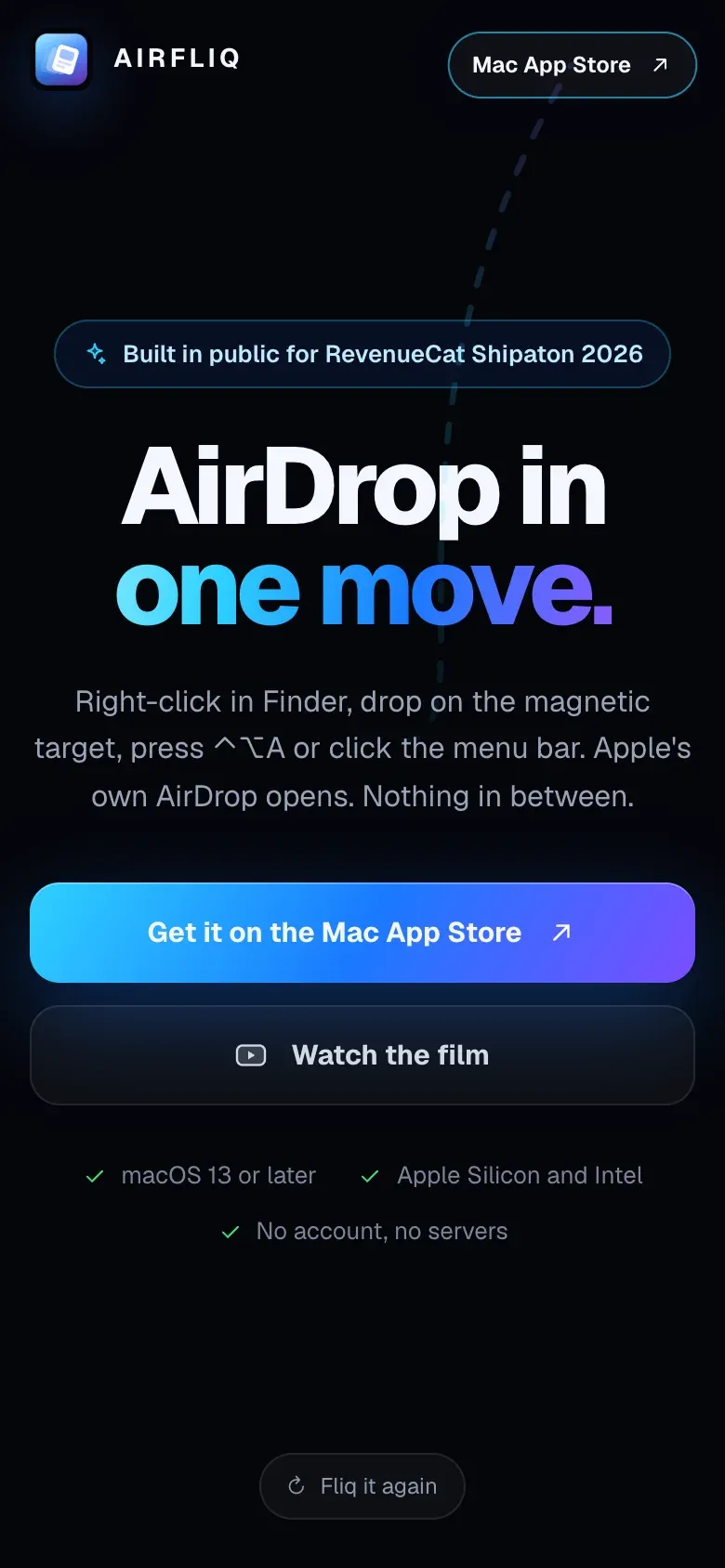
AirFliq turns AirDrop into one step on the Mac. Press a shortcut, right-click files in Finder, drop them on a magnetic target or pick them from the menu bar, and Apple’s own AirDrop panel opens with your files ready to send.
It is private by design. Files travel through AirDrop itself, never through a server. There is no account, and the app reads only what you choose to send.
Every way of sending works five times a day for free. A seven-day trial unlocks unlimited sending without renewing on its own, and Lifetime Pro is a single purchase.
I built it for RevenueCat’s Shipaton 2026, together with its landing page and a launch film rendered from code.
6 things it does well.
- Four ways to send: shortcut, right-click, drag target, menu bar
- Opens Apple’s own AirDrop panel
- Private: no servers and no account
- No Full Disk Access needed
- Universal app for Apple silicon and Intel
- 5 free sends a day, a 7-day trial and Lifetime Pro
Built with
- Swift
- AppKit
- Finder extension
- StoreKit
- RevenueCat
- GitHub Actions